문제 번호 1
상태
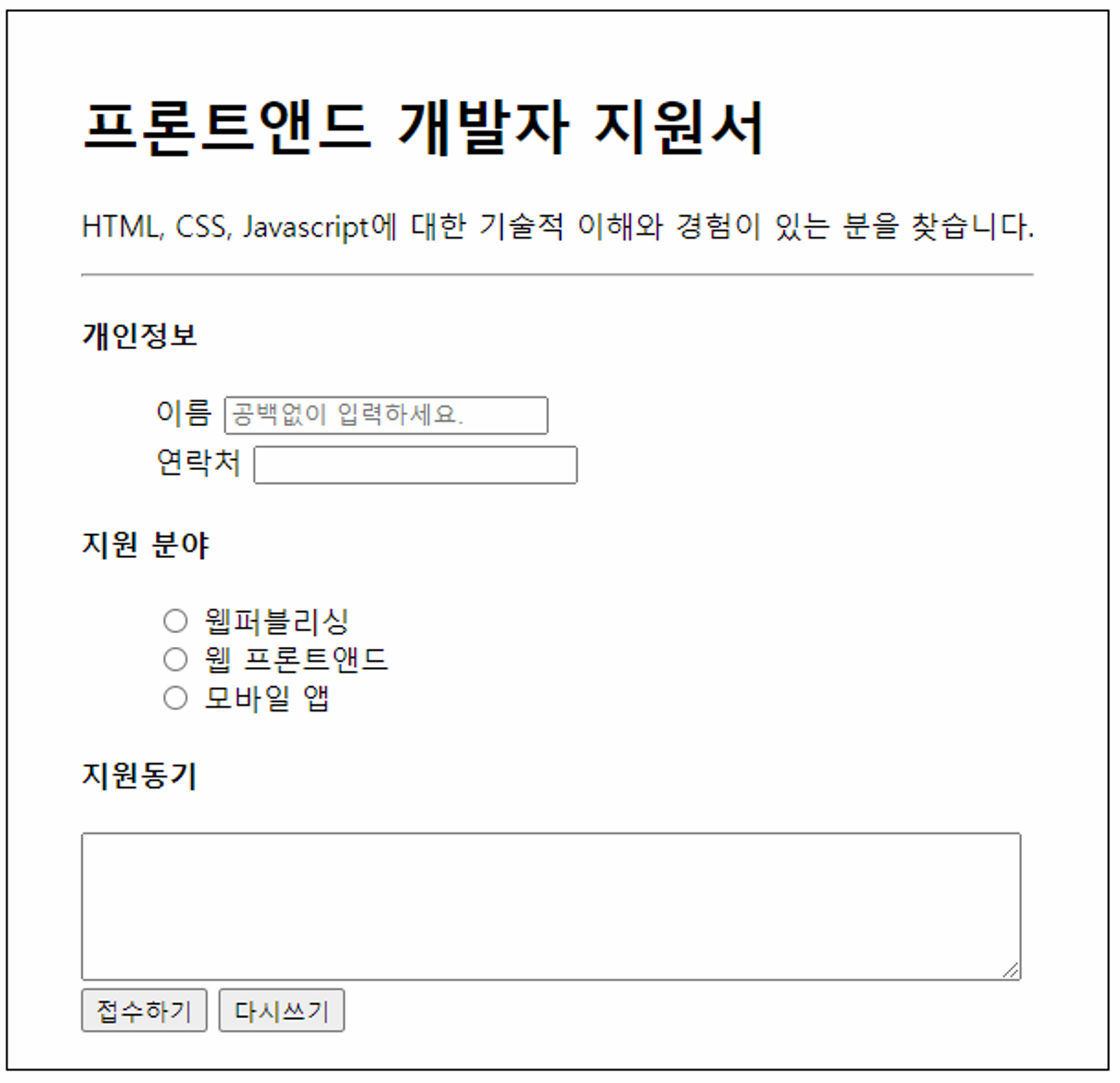
- 양식 요소를 삽입할 때 사용
- “이름” 필드를 텍스트 필드로 붙여넣고 “공백 없이 입력하십시오”라는 메모를 표시합니다.
- 연락처 필드는 전화번호 필드로 삽입됩니다.
- 여러 줄의 텍스트를 입력할 수 있는 텍스트 필드로 “동기 지원”이 삽입됩니다.
- 텍스트 영역의 문자 수를 70으로 설정하고 화면에 표시할 줄 수를 5로 설정합니다.
- 버튼에 태그가 지정되었습니다. 또는
내가 쓴 코드
<!DOCTYPE html>
<html lang="en">
<head>
    <meta charset="UTF-8">
    <meta http-equiv="X-UA-Compatible" content="IE=edge">
    <meta name="viewport" content="width=device-width, initial-scale=1.0">
    <title>Document</title>
    <style>
        label {
            margin-left: 10px;
        }
        div {
            margin-bottom: 10px;
        }
    </style>
</head>
<body>
    <h1>프런트엔드 개발자 지원서</h1>
    <p>HTML, CSS, JavaScript에 대한 기술적 이해와 경험이 있는 분을 찾습니다.</p>
    <hr>
    <h3>개인정보</h3>
    <form action="#">
        <div>
            <label for="name">이름</label>
            <input type="text" placeholder="공백없이 입력하세요" id="name">
        </div>
        <div>
            <label for="phone">연락처</label>
            <input type="number" id="phone">
        </div>
        <h3>지원 분야</h3>
        <form action="#">
            <input type="radio" name="type" id="webpub" value="웹퍼블리셔">
			<label for="webpub">웹퍼블리싱</label><br>
            <input type="radio" name="type" id="webfront" value="웹 프론트앤드">
			<label for="webfront">웹 프론트앤드</label><br>
            <input type="radio" name="type" id="mobile" value="모바일 앱">
			<label for="mobile">모바일 앱</label><br>

        </form>
        <h3>지원동기</h3>
        <div>
            <label for="desc"></label>
            <textarea name="" id="desc" cols="60" rows="5" placeholder="본사 지원 동기를 간략히 써 주세요."></textarea>
        </div>
        <button type="submit">접수하기</button>
        <button type="submit">다시 쓰기</button>
    </form>
</body>
</html>
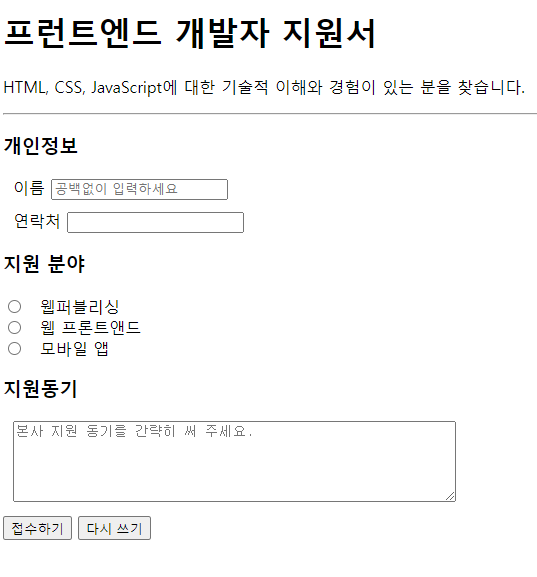
강사 코드
<!DOCTYPE html>
<html lang="en">
<head>
  <meta charset="UTF-8">
  <meta http-equiv="X-UA-Compatible" content="IE=edge">
  <meta name="viewport" content="width=device-width, initial-scale=1.0">
  <title>연습문제2</title>
  <style>
    .container {
      width: 560px;
      border: 1px solid black;
      padding: 20px 40px;
    }
    .detail {
      margin: 4px 40px;
    }
  </style>
</head>
<body>
  <!-- 바깥 틀을 만들기 위해 div 태그 넣기 (style은 class 정의)-->
  <!-- 기본 여백들이 있어서 스타일 날리고 해보자 -->
  <div class="container">
    <h1>프론트앤드 개발자 지원서</h1>
    <p>HTML, CSS, Javascript에 대한 기술적 이해와 경험이 있는 분을 찾습니다.</p>
    <hr>
    <form action="#">
      <h4>개인정보</h4>
      <div class="detail">
        <label for="name">이름</label>
        <input type="text" id="name" placeholder="공백없이 입력하세요.">
      </div>
      <div class="detail">
        <label for="tel">연락처</label>
        <input type="text" id="tel">
      </div>
      <h4>지원분야</h4>
      <div class="detail">
        <input type="radio" name="field" id="publish" value="1">
        <label for="publish">웹퍼블리싱</label>
      </div>
      <div class="detail">
        <input type="radio" name="field" id="front" value="2">
        <label for="front">프론트앤드</label>
      </div>
      <div class="detail">
        <input type="radio" name="field" id="mobile" value="3">
        <label for="mobile">모바일앱</label>
      </div>
      <h4>지원동기</h4>
      <textarea name="desc" id="" cols="70" rows="5" placeholder="본사 지원 동기를 간략히 써 주세요.">
      </textarea>
      <button type="submit">접수하기</button>
      <button type="reset">다시쓰기</button>
    </form>

  </div>
</body>
</html>
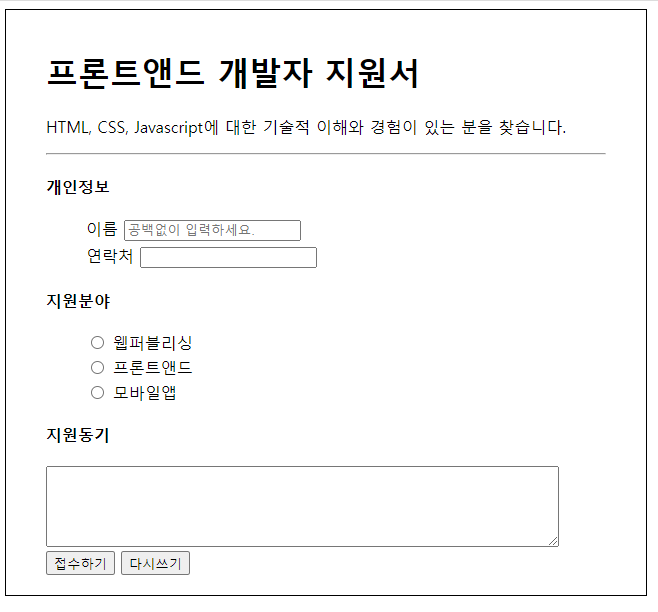
class지정으로style적용하다div태그로 블록(?) 나누기- 나중에 서버에 데이터를 보낼 수 있습니다.
form태그 랩